


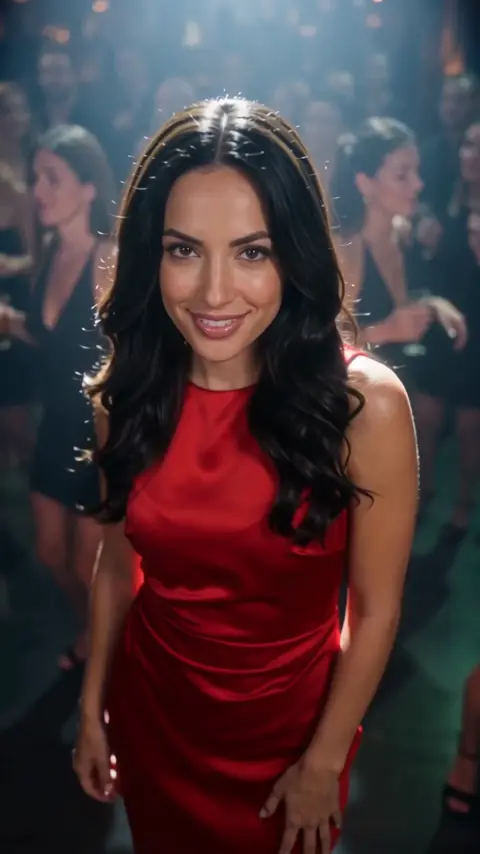
Fated Gaze 15 seconds
A playful balcony glance, a spotlight and an expressive upward gaze. A 15-second example with audio.
YOUR PHOTOS. YOUR PEOPLE. YOUR MOMENT.
Make the I found you in the crowd trend as an AI video: one of you on a club balcony, the spotlight finds the other, and your eyes lock. Two photos, 15 s.
Watch this template$7.99 · Sign-in required · 15 seconds · 9:16 · 480p
Audio included · Paid generation · View pricing below
Upload your photos
We create the moment
Watch your story
I Found You in the Crowd
One person watches from a nightclub balcony. A spotlight finds the other on the dance floor, and they look up. Use two photos to recreate that moment in a 10/15-second vertical video.
MP4 download · Reference marks may remain
Play each finished video to compare the mood, then choose a template for your own photos. These are examples, not guaranteed results.
A playful balcony glance, a spotlight and an expressive upward gaze. A 15-second example with audio.
A balcony glance finds a grandma in curlers beneath the spotlight.
A man in a navy suit finds a woman in a red dress.
Your first photo becomes the person on the balcony. Your second becomes the person in the spotlight.

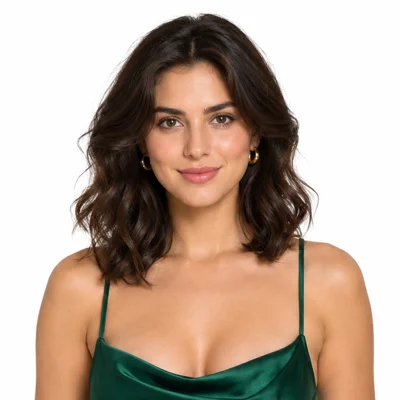
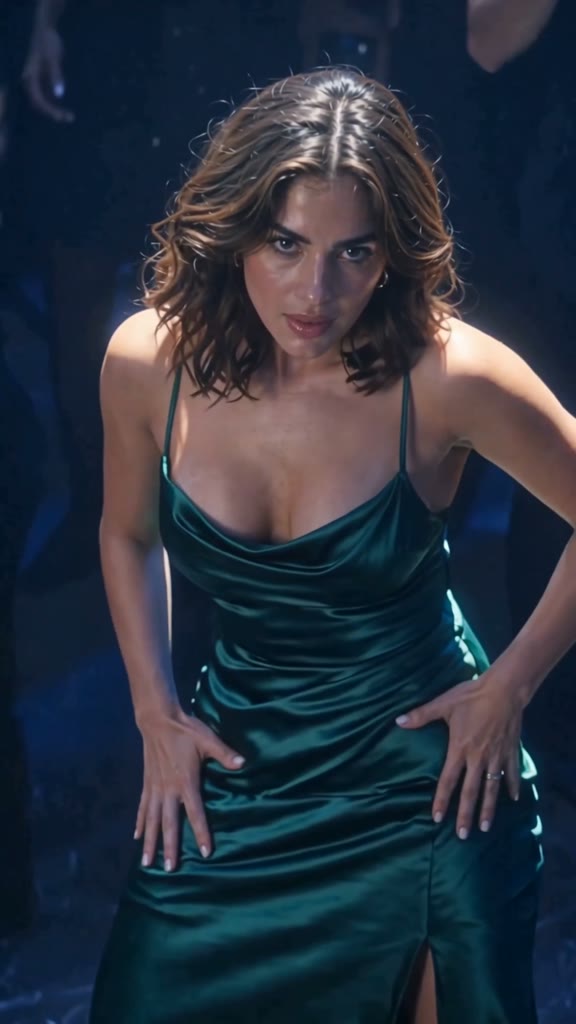
Use two separate, clear portraits. Only upload photos you own or have permission to use.
Choose front-facing photos without sunglasses, heavy filters or obstructions. JPG, PNG or WebP, up to 10 MB each.
The template asks the AI to keep the face, hair and clothes from your photos. Details and movement can vary.
Choose Fated Gaze, Funny or Romantic.
Put the balcony person first and the spotlight person second. Check the previews and confirm permission.
Use credits to generate, then follow the progress on your result page. Download the MP4 and check the included template music before sharing.
One-time video packs. Unused videos never expire.
Single
1 video at 480p$7.99 per 480p video
Never expires
Trio
3 videos at 480p$6.63 per 480p video
Never expires
Party
8 videos at 480p$6.24 per 480p video
Never expires
YOUR PHOTOS. YOUR PEOPLE. YOUR MOMENT.
Turn two photos into the moment you find each other. Made for the I found you in the crowd trend.
Examples are free to watch. Video generation and payments are available now. Sign in, choose a paid video pack and complete checkout to create your video. Signing in alone does not include a free generation.
No sign-up is required for guest purchases. The $9.90 / 50-credit, $19.90 / 105-credit and $29.90 / 160-credit packs require sign-in. All are one-time purchases; credits never expire. After successful payment, you return to a private result page where generation starts. Keep that link to check progress and download your video. You can optionally enter an email on that page to receive the finished video link; leaving it blank does not stop generation. Signed-in users can also use My videos.
The finished MP4 includes audio.
Use clear photos of two adults. Your photo becomes the person on the balcony; their photo becomes the person in the spotlight. Only use photos you own or have permission to use.
The template asks the AI to preserve the clothes, face and hairstyle in each photo. Clear, well-lit photos work best. AI results can vary.
Yes. Use the first upload for the person on the balcony and the second for the person in the spotlight.
Yes. That phrase is used for the same balcony-and-spotlight trend on Spanish-speaking TikTok.
Yes. The 9:16 vertical format works for TikTok, Instagram Reels and YouTube Shorts. Add audio you have permission to use on your chosen platform.
Template duration: 15 seconds for Fated Gaze; 10 seconds for the other templates. Generation may take a few minutes and depends on the provider queue. Your creation page shows the current status.
Keep the private result-page link shown after checkout to track progress and download. Signed-in users can also find their videos in My creations.
Credits used for a confirmed failed generation are returned. A temporary status error or a long queue does not by itself mean failure. Check the existing task before submitting again.
Faces, outfits, hands and movement can vary. The site adds no branded watermark; reference marks may remain. Review the MP4 before sharing.
The site adds no branded watermark; reference marks may remain. Review the MP4 before sharing.
Choose a scene, upload two photos, and make the moment yours.